Panda Express App: Features, Rewards & Is It Worth It?
Craving Orange Chicken but dreading the lunch-rush line? The Panda Express app exists to fix exactly that problem. It bundles mobile ordering, a rewards program, and faster checkout into one place so you spend less time waiting and more time eating.
What Is the Panda Express App?
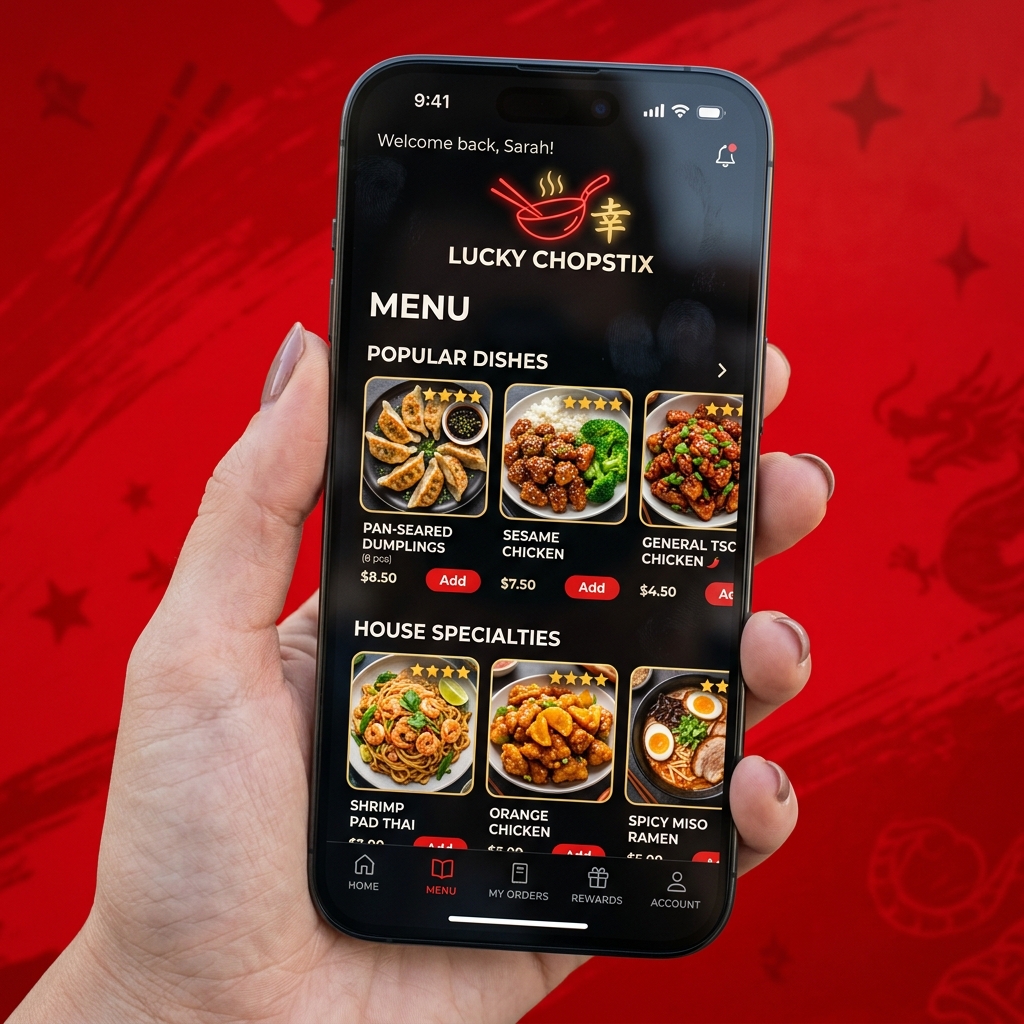
The Panda Express app is the official mobile ordering and rewards platform for Panda Express, the American Chinese fast-casual chain. It lets you order food for pickup, curbside, dine-in, or delivery, earn Panda Points® on qualifying purchases, and redeem those points for free menu items. The app holds a 4.7-star rating across 140,000+ reviews.
In short, it’s three tools in one: a menu, a loyalty card, and a payment system. You can use it at any participating U.S. location, and you only need an email address and password to sign up.
How Do You Download the Panda Express App?
The Panda Express app is free on both the Apple App Store and Google Play. Search “Panda Express,” tap download, then create an account with your email and a password. Once you’re in, you can add a payment method, set your home store, and start earning Panda Points® on your very next order.
|
Platform |
Where to get it |
Cost |
|
iPhone / iPad |
Apple App Store |
Free |
|
Android |
Google Play |
Free |
New members receive a Welcome Gift toward their first qualifying purchase, so it pays to sign up before you order.
What Can You Actually Do on the Panda Express App?
The app does more than place an order. Here’s a quick rundown of its core features:
- Mobile ordering: Build your Bowl, Plate, or Bigger Plate and order for pickup, dine-in, or delivery.
- Panda Points®: Earn 10 points per $1 spent on qualifying purchases, in-store or online.
- Order history: Reorder your favorites in a couple of taps for a faster checkout.
- Mobile pay: Save a card and check out without fumbling for your wallet.
- Gift cards: Buy, send, and redeem digital gift cards straight from the app.
- Location finder: Find nearby stores and check delivery availability.
- Curbside pickup: Order ahead and have your food brought to your car.
- Exclusive offers: Get surprise deals and member-only promotions.
- Calorie & allergen info: View nutrition details before you commit to that side of fried rice.
The standout perk? You can scan your app in-store to skip the line and check out faster, while still paying the same low menu prices as the counter.
How Do Panda Express Rewards (Panda Points) Work?
Panda Rewards® members earn 10 Panda Points® for every $1 spent on qualifying purchases. You can redeem rewards starting at just 200 points, and your points expire after 365 days of no qualifying purchases. You earn in-store, in the drive-thru (by scanning your app), or when ordering through the app or website.
Here’s a snapshot of what your points can get you:
|
Reward |
Points needed |
|
Upgrade to Premium Entree |
200 |
|
Upgrade Bowl to Plate |
250 |
|
Small Appetizer |
300 |
|
Medium Drink |
350 |
|
Medium A La Carte Side |
650 |
|
Small A La Carte Entree |
750 |
|
Cub Meal |
850 |
|
Bowl |
1,250 |
|
Plate |
1,500 |
|
Bigger Plate |
1,750 |
|
Family Meal |
5,000 |
Members also get a Birthday Gift with a choice of options, plus exclusive offers and insider perks throughout the year.
A quick reality check: since you earn 10 points per dollar (before tax), a free Bowl at 1,250 points means roughly $125 in spending. The rewards are real, but they reward frequent visitors more than occasional ones.
Is the Panda Express App Worth Downloading?
The Panda Express app is worth downloading if you visit Panda Express more than once a month, want to skip the in-store line, or like earning points toward free food. Casual visitors who stop by a few times a year will see less value, since point accrual is slow. For regulars and families, the welcome gift, birthday reward, and faster checkout make it an easy yes.
Choose the app if:
- You order Panda Express regularly and want to earn toward free meals.
- You hate waiting in line and prefer to order ahead.
- You want one place to manage gift cards and payment.
Skip it if:
- You visit only a couple of times a year.
- You’d rather not create an account or share an email.
How Do You Order Ahead on the Panda Express App?
Ordering ahead takes four steps:
- Set your store. Choose your pickup location or enter your address for delivery.
- Build your meal. Pick your meal type, entrees, and sides, then add extras.
- Choose pickup type. Select in-store pickup, curbside, dine-in, or delivery.
- Pay and confirm. Check out with a saved card and pick a pickup time.
You’ll get a confirmation, and your Panda Points® are added automatically. With curbside, the team brings your order out to your car, handy when you’ve got kids or a packed schedule.
What Are the Most Common Panda Express App Problems?
The most reported issues with the Panda Express app are mobile orders sometimes taking longer than ordering in person during peak hours, occasional login or loading errors, and confusion over points posting after a purchase. Most problems are fixed by updating the app, checking your internet connection, or contacting Guest Support through the app.
|
Issue |
Quick fix |
|
App won’t load or crashes |
Update to the latest version; restart your phone |
|
Can’t log in |
Reset password; allow cookies if using the web login |
|
Points didn’t post |
Confirm you scanned/logged in at checkout; contact Guest Support |
|
Mobile order slow at peak times |
Order earlier, or choose a less busy pickup window |
If a problem sticks around, reach out through the Guest Support link in the app for help with your specific order or account.
Panda Express App vs Website: Which Is Better?
The app and website offer the same menu, prices, and Panda Points®, but the app is better for repeat visitors. It adds in-store scanning to earn points, faster reordering, push notifications for offers, and curbside pickup. The website works well for one-off orders or desktop users who don’t want to install anything.
|
Feature |
App |
Website |
|
Earn & redeem Panda Points® |
✅ |
✅ |
|
Same menu prices |
✅ |
✅ |
|
Scan in-store to earn points |
✅ |
❌ |
|
Skip the line / faster checkout |
✅ |
Limited |
|
Push notifications for offers |
✅ |
❌ |
|
No install needed |
❌ |
✅ |
Bottom line: install the app if you’re a regular; use the website if you order once in a blue moon.
Is the Panda Express App Safe to Use?
The Panda Express app is safe to use. It requires only an email and password to create an account, uses secure checkout for payments, and lets you manage or delete your account through the settings menu. As with any app, use a strong, unique password and review the privacy policy and terms before saving payment details.
You can update your details, manage saved cards, or delete your account anytime from the My Account section. If you ever need to remove your data, Panda Express provides a direct account-deletion option.
Frequently Asked Questions
What rating does the Panda Express app have?
The app holds a 4.7-star rating based on more than 140,000 user reviews.
Is the Panda Express app free?
Yes. The app is free to download on both the Apple App Store and Google Play.
Do you get a sign-up reward?
Yes. New members receive a Welcome Gift toward their first qualifying purchase after signing up.
Can you earn points in the drive-thru?
Yes. Scan your app at checkout in-store or in the drive-thru to earn Panda Points® on qualifying purchases.
Are app prices the same as in-store?
Yes. The app charges the same low menu prices as your local Panda Express store.






One Comment